
Mindful Retouch
5.5 A quick video about Photoshop healing tools that are the best for product image editing
2:37

Mindful Retouch
5.4 How not to go too far when Photoshopping product images: the most important rule of them all
0:41

Mindful Retouch
5.3 Puppet Warp: bend objects at will in Photoshop
0:51
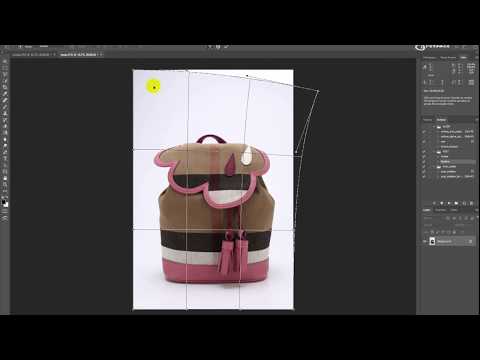
Mindful Retouch
5.2 Free Transform in Photoshop - how to quickly fix crooked products
1:15
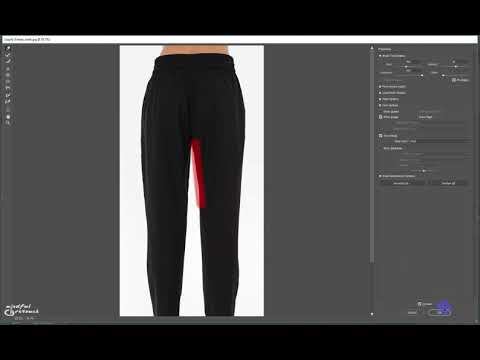
Mindful Retouch
5.1 Liquify Photoshop filter in product image editing
2:26

Mindful Retouch
4.26 Gray fur on gray? No problem. I'll remove background in Photoshop in 3 minutes
4:49

Mindful Retouch
4.28 Impossible background removal in Photoshop in 5 minutes - method 1
5:02
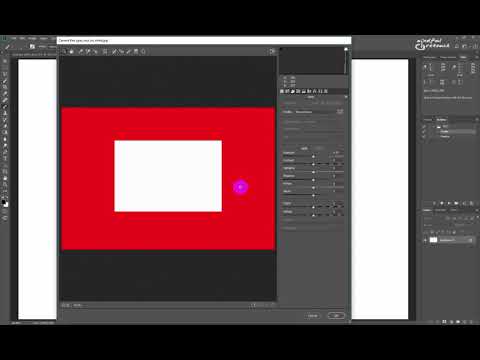
Mindful Retouch
4.32 Think you removed the background for good? Well, you never know until you check.
3:58
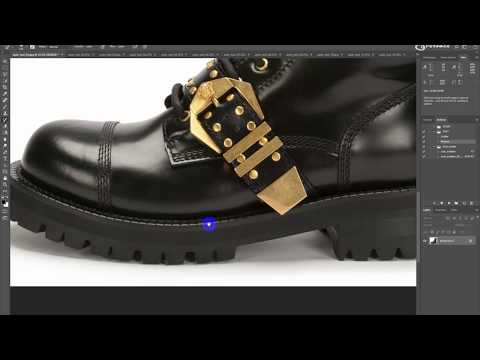
Mindful Retouch
4.30 Automatic Isolation in Photoshop - instant white background. Is that even possible?
11:03

Mindful Retouch
4.29 Impossible background removal in Photoshop in 5 minutes - method 2
5:00
Mindful Retouch
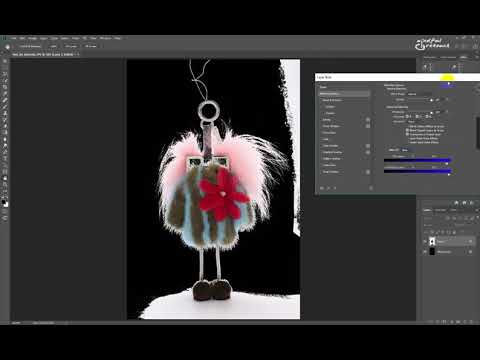
4.27 Thin fur is not an obstacle in background removing in Photoshop. 1 minute is all I need.
1:27
Mindful Retouch
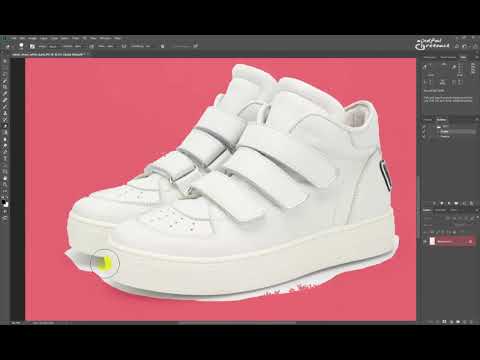
4.25 White shoes on gray: how make the background white in Photoshop in under 2 minutes
1:34

Mindful Retouch
4.31 Automatic Isolation in Two Steps - a quick background removal method
6:20

Mindful Retouch
4.23 Chromakey Isolation in Photoshop. Green screen to white quick tutorial
6:25

Mindful Retouch
4.22 Model Isolation in Photoshop: white background around hair
3:30
Mindful Retouch
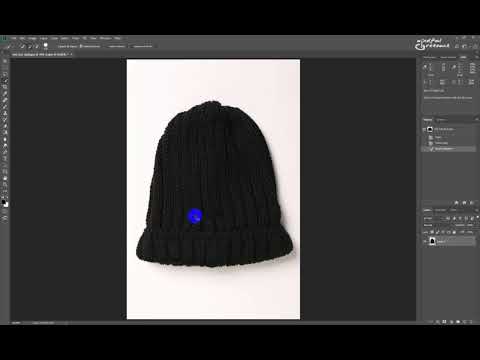
4.24 Transparency isolation in Photoshop: no background at all
1:47

Mindful Retouch
4.21 Isolation with a Reflection in Photoshop: useful for perfume, watch and jewelry retouching
6:06

Mindful Retouch
4.20 Isolation with an Artificial Shadow in Photoshop: when a natural shadow doesn't work
6:54

Mindful Retouch
4.19 Automatic Shadow Restoration in Photoshop - product image editing tricks
5:56
Mindful Retouch
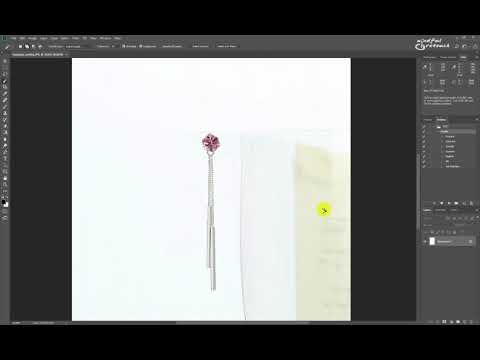
4.17 Total White Isolation in Photoshop: pure background, no shadows
0:43

Mindful Retouch
4.18 White background with a natural shadow in Photoshop: the easy way
2:39
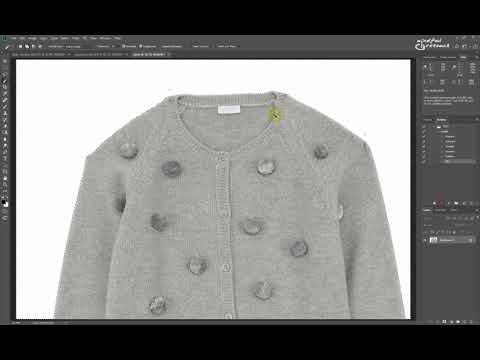
Mindful Retouch
4.16 White background Action in Photoshop: how to isolate product images super fast
3:27
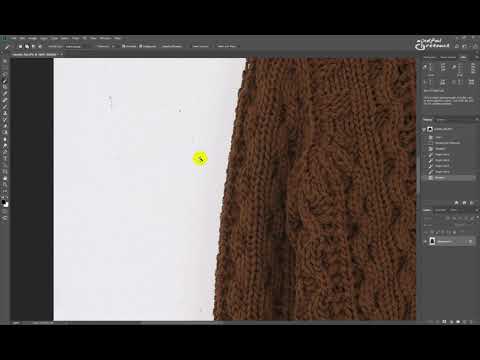
Mindful Retouch
4.15 Modifying Selections in Photoshop: why it's essential for background removing
2:36

Mindful Retouch
4.14 Tools of Choice - how to make the background white in Photoshop, easily and in seconds.
1:09
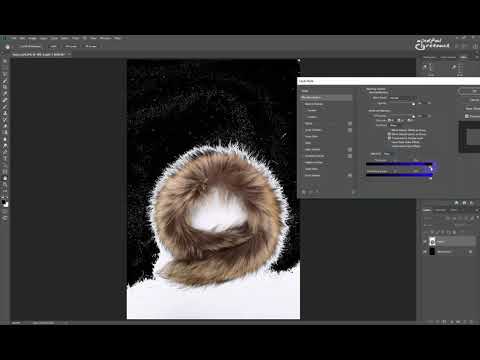
Mindful Retouch
4.13 Blend If - a powerful tool that lets you make the background white in Photoshop really quickly
3:41

Mindful Retouch
4.12 Magic Eraser. Is there finally magic in Photoshop? No, sorry.
0:46
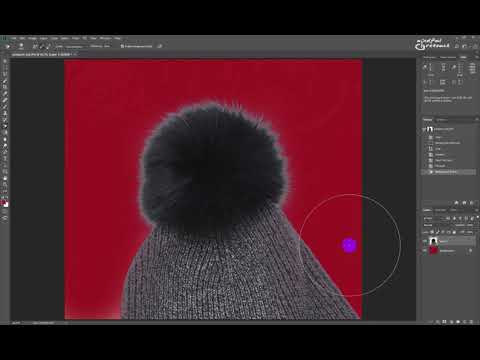
Mindful Retouch
4.11 Background Eraser. Another Photoshop tool that doesn't work so well
2:47

Mindful Retouch
4.9 Levels & Curves: can you make the background white with these in Photoshop?
3:00
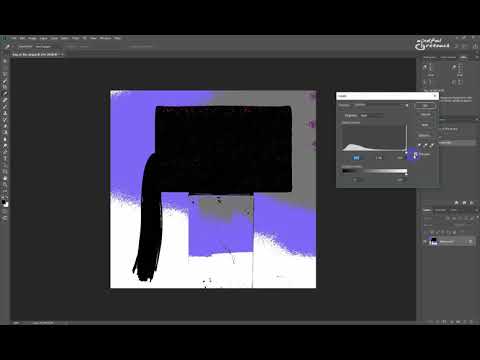
Mindful Retouch
4.10 Selective Color: yet another way to make the background white in Photoshop
1:49

Mindful Retouch
Photoshop 21.0 New Object Selection Tool. Success or fail? A test on 20 product images
4:25

Mindful Retouch
4.8 Select Subject - auto selection in Photoshop, but how good is it really?
2:13

Mindful Retouch
4.7 Select & Mask - a quick overview
2:52

Mindful Retouch
4.6 Select Color Range - is this Photoshop feature useful or not?
3:29
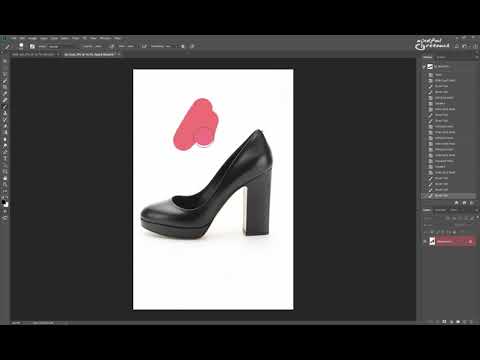
Mindful Retouch
4.5 Quick Mask - a really quick way to fix broken selections in Photoshop
3:10

Mindful Retouch
4.4 The Pen Tool. Essential Photoshop tool you have to master even if you don't want to.
2:04

Mindful Retouch
4.3 Magic wand & Quick Selection tools. Photoshop's best in background removal. Or not?
4:08

Mindful Retouch
4.2 Lasso Tools in Photoshop: Freehand and Polygonal Lasso. Are they good?
1:45

Mindful Retouch
4.1 Marquee Tools - Photoshop tools that make selections. How useful are these?
1:49

Mindful Retouch
3.2 Panels
3:21

Mindful Retouch
3.1 Photoshop Preferences - how to set up Photoshop for bulk product image editing
1:54
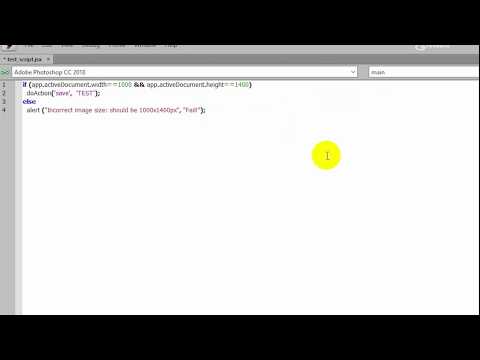
Mindful Retouch
2.3 How to check image size with a script and the wonders of Photoshop automation.
2:48
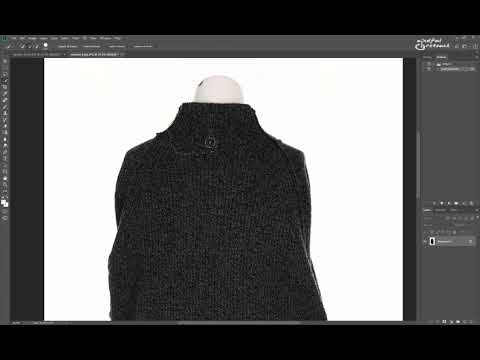
Mindful Retouch
2.2 Complex Actions in Photoshop - how to speed things up. A ghost mannequin example.
0:48

Mindful Retouch
2.1 Actions in Photoshop - how to start working
4:02
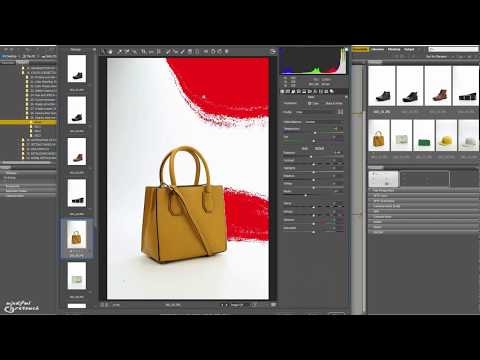
Mindful Retouch
1.8 Adobe Camera Raw bulk product image correction examples (2)
11:51
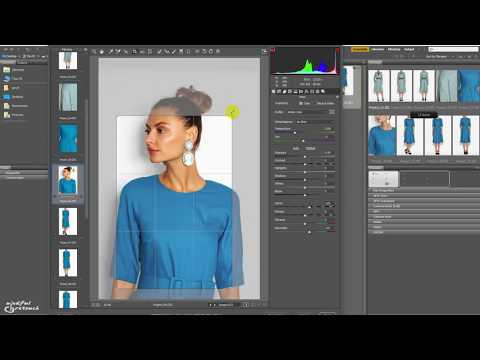
Mindful Retouch
1.7 Adobe Camera Raw bulk product image correction examples (1)
6:34
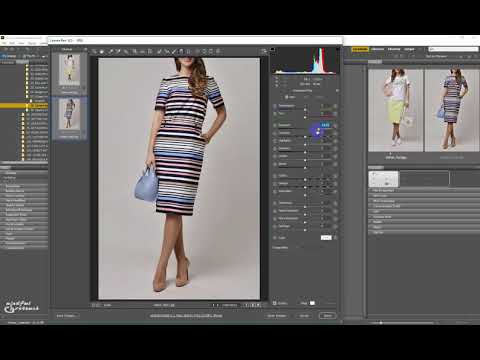
Mindful Retouch
1.6 Adobe Camera Raw. Quick skin tone correction with the Graduated Filter
1:07

Mindful Retouch
1.5 Adobe Camera Raw. The adjustment brush tool
4:28

Mindful Retouch
1.4 Adobe Camera Raw main features for product image editors
2:23
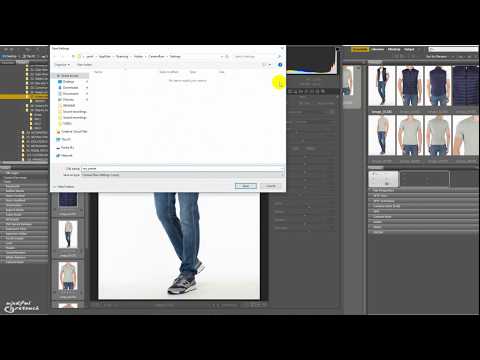
Mindful Retouch
1.3 Adobe Camera Raw in product image editing. A basic preset
4:23
Mindful Retouch
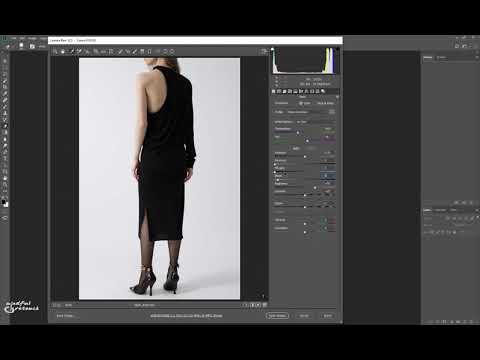
1.2 Adobe Camera Raw for product image editing - current process vs 2010
8:55
Mindful Retouch
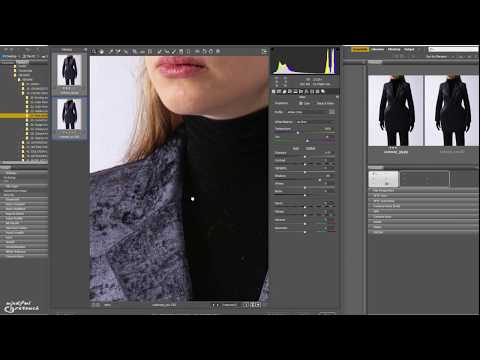
1.1 How Adobe Camera Raw handles raw and jpeg images - a comparison
2:14

Mindful Retouch
Quickly remove moire (moiré) in Photoshop
7:07

Mindful Retouch
Clean background, remove dust, dirt, wrinkles in Photoshop
6:08

Mindful Retouch
Automatic skin smoothing in Photoshop for online stores retouchers
3:13

Mindful Retouch
Automatic background removal in Photoshop. Instant white background for your images!
8:56
Mindful Retouch
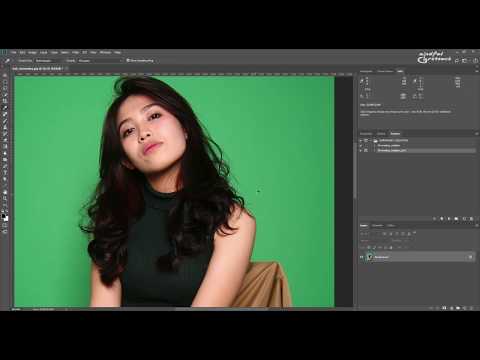
Automatic chroma key green screen in Photoshop. Stop wasting your time!
5:42

Mindful Retouch
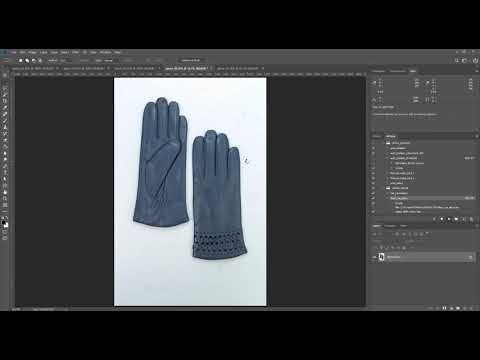
Product image resizing and alignment in Photoshop made quick and easy
11:48
Mindful Retouch
Fast retouching e-commerce in Photoshop: 5 product images in 1 minute
1:06

Mindful Retouch
Invisible mannequin and neck joint in Photoshop - super fast retouching with actions
4:43
Mindful Retouch
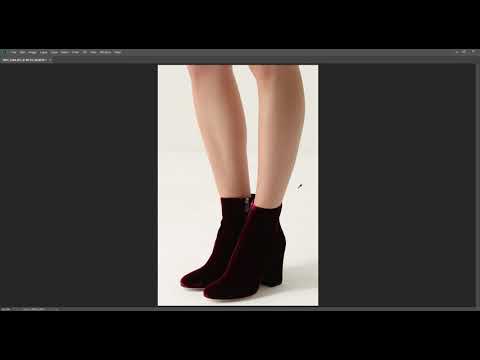
The magic of Photoshop
2:05

Mindful Retouch
Change color from white to black and black to white in Photoshop
1:17

Mindful Retouch
Speedy product image retouching in Photoshop
1:12