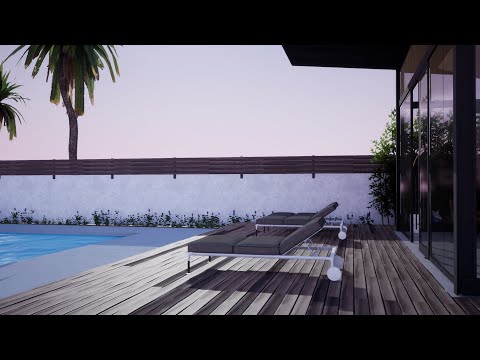
Jatz the Artist
Simple Walk-through and real-time visualization
3:23

Jatz the Artist
3Ds Max Basics: 10 Rendering Vray -Studio Style
25:57
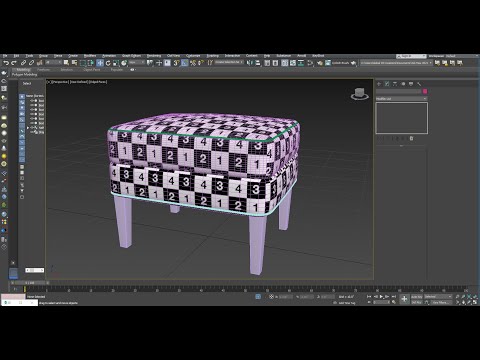
Jatz the Artist
3Ds Max Basics: 09 Unwrap UVW - Ottoman
16:50

Jatz the Artist
3Ds Max Basics: 08 Modeling Ottoman - Polygon modeling
16:53

Jatz the Artist
3Ds Max Basics:07 Surface Normals
3:31

Jatz the Artist
3Ds Max Basics: 06 Ignore Backfacing and Soft Selection
7:10

Jatz the Artist
3Ds Max Basics: 05 Sub-Object and Selection
8:20

Jatz the Artist
3Ds Max Basics: 04 Arrays
4:59

Jatz the Artist
3Ds Max Basics: 03 Precision and Alignment
8:16
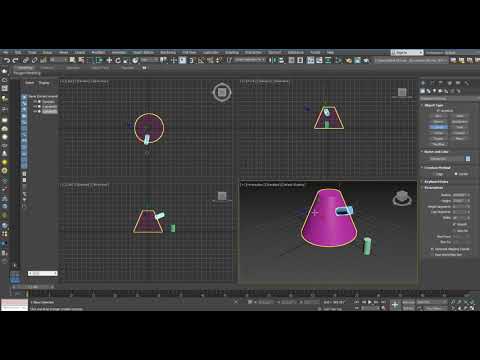
Jatz the Artist
3Ds Max Basics: 02 Navigation
9:08

Jatz the Artist
3Ds Max Basics: 01 User Interface
4:27
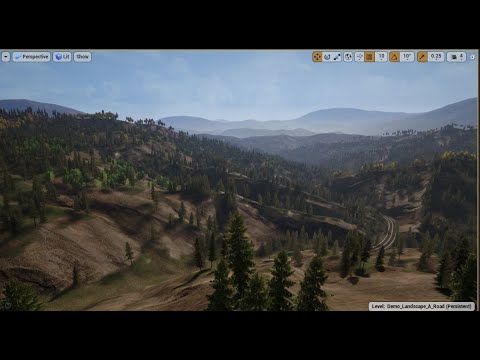
Jatz the Artist
Unreal Enginge 4 - Realistic Forest Pack: Testing
3:12

Jatz the Artist
Huion HS610 for Zbrush Review
8:13
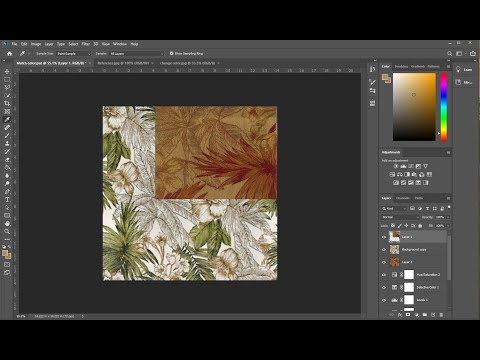
Jatz the Artist
Photoshop - Match Fabric Color
16:04

Jatz the Artist
Photoshop Change Car Color
12:40

Jatz the Artist
Photoshop 2020 Remove or Erase Background the Quickest Way
2:27