
BeeneDesigns
Change text size on one portion of text box. #gimptutorial #gimp #digitalscrapbooking #scrapbook
0:18

BeeneDesigns
GIMP | Digital Scrapbook Tutorial | Free Select | Crop to Content | Rotate Tool | Text Tool
14:59

BeeneDesigns
GIMP | Unboxing of Snapfish Photo Album | Digital Scrapbooking with GIMP as a Photoshop alternative
5:41

BeeneDesigns
Beene Designs | Channel Intro Video
1:55

BeeneDesigns
Snapfish Album | Digital Scrapbook Printing | Step by Step photo book creation
14:03

BeeneDesigns
GIMP | Fuzzy Select Tool | Rotate Tool | Scale Tool | 3D Transform Tool | Digital Scrapbook |
17:04

BeeneDesigns
GIMP | Free Select Tool | Colorize | Flip Tool | Rotate Tool | Scale Tool | Digital Scrapbook Layout
11:52

BeeneDesigns
GIMP | How to use Desaturate, Handle Transform Tool, and Weave Ribbon through a Title
13:44

BeeneDesigns
GIMP | Digital Scrapbook with Me | Using GIMP to create Digital Scrapbook layouts
5:43
BeeneDesigns
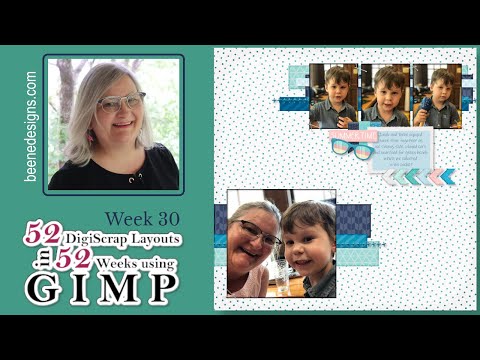
GIMP | Digital Scrapbook with Me | Week 30 of 52 DigiScrap Layouts in 52 Weeks
7:59

BeeneDesigns
GIMP Digital Scrapbook: Start to Finish Digital Scrapbook layout
14:49

BeeneDesigns
GIMP (a Photoshop alternative): Text Along a Path
12:27

BeeneDesigns
GIMP: Start to finish Digital Scrapbook layout creation
14:55

BeeneDesigns
GIMP: Use the Text and Path tools to create a Date Stamp
12:16

BeeneDesigns
Week 27 of 52 DigiScrap layouts in 52 Weeks using GIMP; a Photoshop alternative
16:41

BeeneDesigns
How to Use a Layer Mask to Create a Title from a Photo; GIMP (a Photoshop alternative)
10:27

BeeneDesigns
Week 26 of 52 DigiScrap layouts in 52 Weeks using GIMP (a Photoshop alternative)
17:19

BeeneDesigns
Week 25 of 52 DigiScrap layouts in 52 Weeks using GIMP; a Photoshop alternative
12:33

BeeneDesigns
Week 24 of 52 DigiScrap layouts in 52 Weeks using GIMP; a Photoshop alternative
13:43

BeeneDesigns
Week Twenty three of 52 DigiScrap layouts in 52 Weeks using GIMP
11:53

BeeneDesigns
Week 22 of 52 DigiScrap layouts in 52 Weeks using GIMP (a Photoshop alternative)
16:02

BeeneDesigns
Digital Scrapbooking using GIMP: 5 Tips to Optimize your GIMP for Creating Digital Scrapbook Layouts
9:34

BeeneDesigns
Week 21 of 52 DigiScrap layouts in 52 Weeks using GIMP (a Photoshop alternative)
10:15

BeeneDesigns
Digital Scrapbooking using GIMP: How to create a Banner from Digital Papers and add Dimension
18:41

BeeneDesigns
Week Twenty of 52 DigiScrap layouts in 52 Weeks using GIMP (a PhotoShop alternative)
10:45

BeeneDesigns
Week Nineteen of 52 DigiScrap layouts in 52 Weeks using GIMP a Photoshop alternative
13:46

BeeneDesigns
Digital Scrapbooking using GIMP: How to Create a Frame using Digital Paper
8:40

BeeneDesigns
Week Eighteen of 52 DigiScrap layouts in 52 Weeks using GIMP
14:45

BeeneDesigns
Digital Scrapbooking using GIMP: How to use the Guides in GIMP
7:39

BeeneDesigns
Week Seventeen of 52 DigiScrap layouts in 52 Weeks using GIMP
11:52

BeeneDesigns
Digital Scrapbooking using GIMP: How to Create a Sticker Title
5:50

BeeneDesigns
Week Sixteen of 52 DigiScrap layouts in 52 Weeks using GIMP
8:13
BeeneDesigns
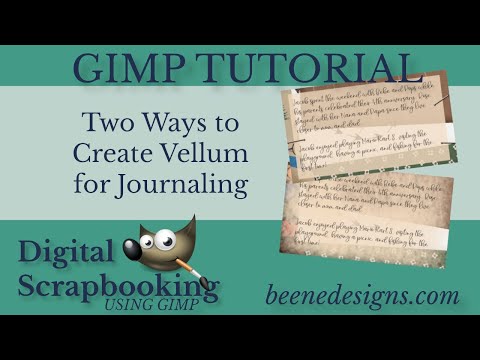
Digital Scrapbooking using GIMP: Two Ways to Create Vellum Paper for your Digital Scrapbook Layout
5:34

BeeneDesigns
Comparison of 3 Digital Scrapbook printing options--Shutterfly, Snapfish, and Costco
19:14

BeeneDesigns
Digital Scrapbooking using GIMP: How to use a Digital Scrapbook Layout Template
14:43

BeeneDesigns
Week Fifteen of 52 DigiScrap layouts in 52 Weeks using GIMP
9:09

BeeneDesigns
Digital Scrapbooking using GIMP: Introduction to Layers
14:42

BeeneDesigns
Week Fourteen of 52 DigiScrap layouts in 52 Weeks using GIMP
5:45

BeeneDesigns
Week Thirteen of 52 DigiScrap Layouts in 52 Weeks using GIMP
6:10

BeeneDesigns
Week Twelve of 52 DigiScrap layouts in 52 Weeks using GIMP
3:33

BeeneDesigns
Digital Scrapbooking using GIMP: How to use the Alignment Tool
6:18

BeeneDesigns
Week Eleven of 52 DigiScrap Layouts in 52 Weeks Using GIMP
7:33
BeeneDesigns
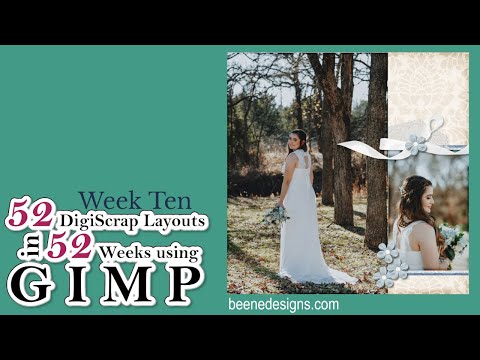
Week Ten of 52 DigiScrap Layouts in 52 Weeks Using GIMP
7:42

BeeneDesigns
Cutting Paper Accents from Digital Paper using GIMP
7:18

BeeneDesigns
Adding Dimension to a Digital Scrapbook Layout using GIMP
11:41

BeeneDesigns
Week Nine of 52 DigiScrap Layouts in 52 Weeks Using GIMP
8:18

BeeneDesigns
How to Create a Vignette Photo Digital Scrapbook Page using GIMP
4:55
BeeneDesigns
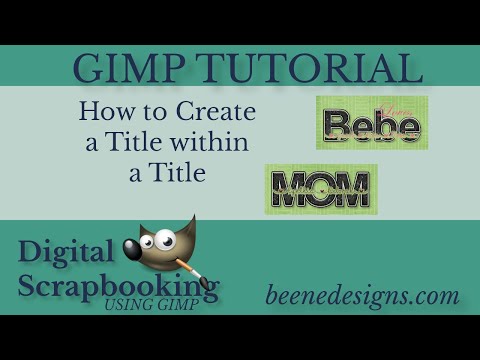
How to Create Title Within a Title Using GIMP
3:43

BeeneDesigns
Week Eight of 52 DigiScrap Layouts in 52 Weeks using GIMP
9:41

BeeneDesigns
Creating a Letter Cut Out Title using GIMP
7:18
BeeneDesigns
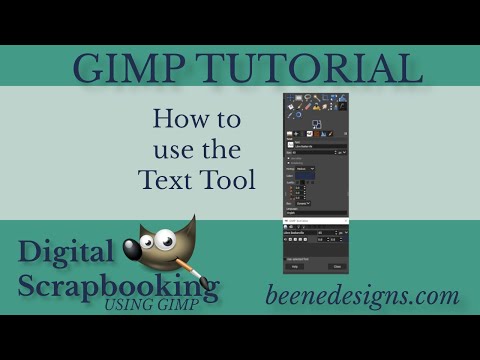
Using the Text Tool in GIMP to create Titles and Journaling for Digital Scrapbook Layouts
11:35

BeeneDesigns
How to Download, Install, and Set Up GIMP for Digital Scrapbooking
5:53

BeeneDesigns
Week Seven of 52 DigiScrap Layouts in 52 Weeks using GIMP
7:39

BeeneDesigns
Week Six of 52 DigiScrap Layouts in 52 Weeks Using GIMP
27:15

BeeneDesigns
How to create a chipboard shape from digital paper using GIMP
8:14

BeeneDesigns
How to place a ribbon and charm on page layout using GIMP
6:19

BeeneDesigns
Week Five of 52 DigiScrap layouts in 52 weeks using GIMP
25:45

BeeneDesigns
How to fit a photo inside provided frame using GIMP
5:39

BeeneDesigns
How to Scale, Crop, and Rotate using GIMP
9:31

BeeneDesigns
How to Ink photo edges using GIMP
5:12

BeeneDesigns
How to open and save an image using GIMP
4:40
BeeneDesigns
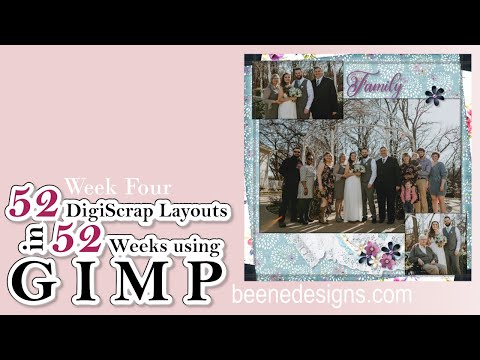
Week Four of 52 DigiScrap layouts in 52 weeks using GIMP
24:47

BeeneDesigns
Week Three of 52 DigiScrap Layouts in 52 Weeks with GIMP
28:51

BeeneDesigns
Why does GiMP revert to 72 ppi when exporting as JPEG
7:17

BeeneDesigns
Week Two of 52 DigiScrap Layouts in 52 Weeks Using GIMP
37:43

BeeneDesigns
Week One of 52 Layouts in 52 Weeks
24:24

BeeneDesigns
Paint Shop Pro Scrapbook Video 04
7:05

BeeneDesigns
Paint Shop Pro Scrapbook Video 03
9:51

BeeneDesigns
Paint Shop Pro Scrapbook Video 02
8:27

BeeneDesigns
Paint Shop Pro Scrapbook Video 01
6:39

BeeneDesigns
The Gimp Scrapbook Video 04
6:38

BeeneDesigns
The Gimp Scrapbook Video 03
9:48

BeeneDesigns
The Gimp Scrapbook Video 02
7:36

BeeneDesigns
The Gimp Scrapbook Video 01
4:59