Ibisph Cop
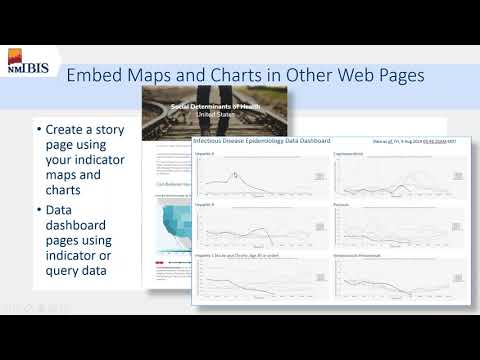
2020 02 26 13 02 IBIS Admin webinar 2 hr
1:37:04
Ibisph Cop
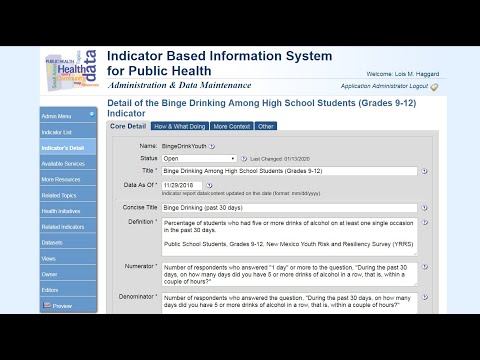
IBIS Admin version 3.0 for Previous IBIS Admin Users
40:50

Ibisph Cop
IBIS-PH Adopter Overview, Part 4. Custom Data Query Web Pages on IBIS-PH
6:38

Ibisph Cop
IBIS-PH Adopter Overview, Part 3. Indicator Report and Community Profile Web Pages on IBIS-PH
5:51
Ibisph Cop
IBIS-PH Adopter Overview, Part 1. Types of Pages on IBIS
4:42

Ibisph Cop
IBIS-PH Adopter Overview, Part 2. Static Web Pages on IBIS-PH
4:30

Ibisph Cop
Part 4. Using Rates to Assess Community Health Status and Risk
5:19

Ibisph Cop
Part 3. Sources of Data for Community Health Assessment
12:37
Ibisph Cop
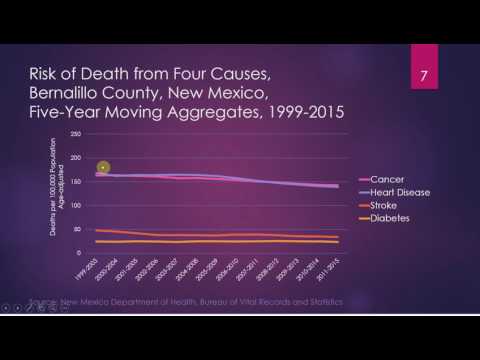
Part 2. Using Data to Assess Community Risk
5:29

Ibisph Cop
Part 1. Community Health Assessment Overview
5:32

Ibisph Cop
Setting-up a New Map Layer – Part 7: Editing a GeoJSON with QGIS
7:57
Ibisph Cop
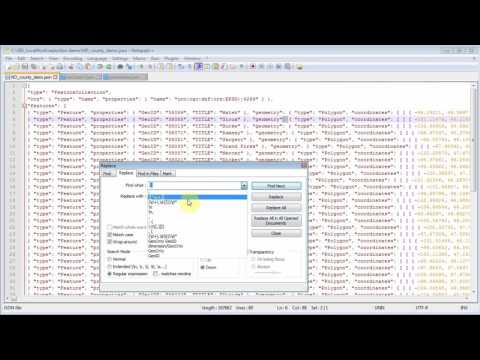
Setting-up a New Map Layer – Part 6: Text-Reduction Editing in a GeoJSON
7:19

Ibisph Cop
Setting-up a New Map Layer – Part 5B: Simplifying Shapes in QGIS
8:40

Ibisph Cop
Setting-up a New Map Layer – Part 5A: Simplifying Shapes in ArcMap
7:18
Ibisph Cop
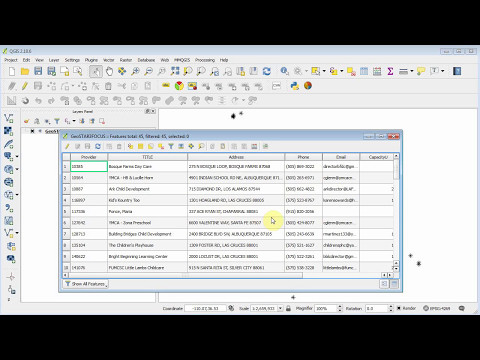
Setting-up a New Map Layer – Part 4B: Editing Attribute Tables in QGIS
5:52

Ibisph Cop
Setting-up a New Map Layer – Part 4A: Editing Attribute Tables in ArcMap
5:34
Ibisph Cop
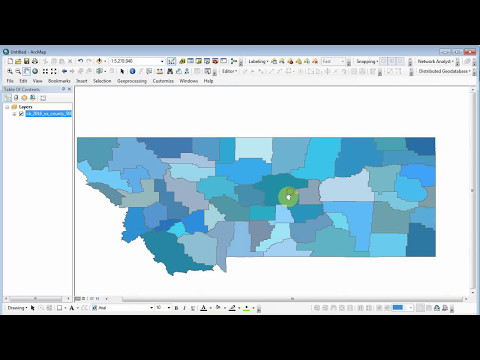
Setting-up a New Map Layer – Part 3: GeoJSON Attribute Table Requirements
8:43

Ibisph Cop
Setting-up a New Map Layer – Part 2B: GeoJSON file from QGIS
4:43

Ibisph Cop
Setting-up a New Map Layer - Part 2A: GeoJSON file from ArcMap
7:31

Ibisph Cop
Setting-up a New Map Layer - Part 1: GeoJSON Overview
6:28
Ibisph Cop
Part9: Interface Files – Proxy Variables
4:01

Ibisph Cop
Part 8: Interface Files – Section Files
4:00
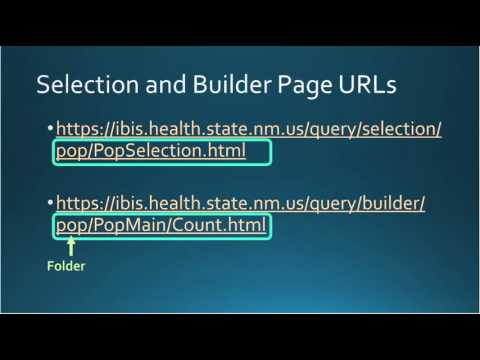
Ibisph Cop
Part7: Interface Files – Selection and Builder Page URLs
8:33
Ibisph Cop
Part 6: Query Selection.xml and Module.xml Interface Files Overview
7:02

Ibisph Cop
Part 5: The Query Application URL
5:50
Ibisph Cop
Part 4: Statepop Dataset and ibis-q .DEF file
6:27

Ibisph Cop
Part 3: Developing an IBIS Query Module - StatePop CFG
7:48
Ibisph Cop
Part 2: Developing an IBIS Query Module - StatePop Dimension.XML file
7:38

Ibisph Cop
Part 1: Developing an IBIS Query Module - High level Overview
8:12

Ibisph Cop
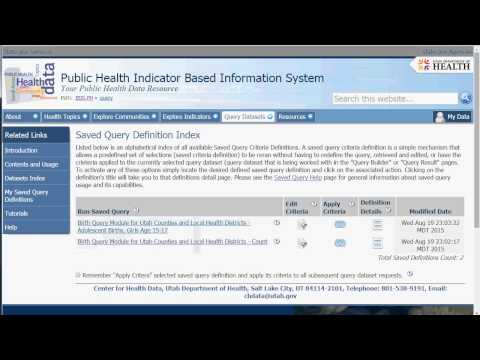
Saved Query - Basics
17:43
Ibisph Cop
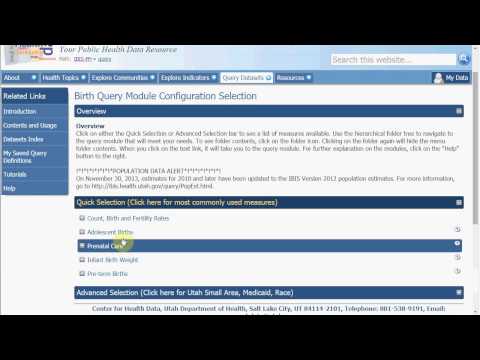
Saved Query - System Queries Setup Review
2:02
Ibisph Cop
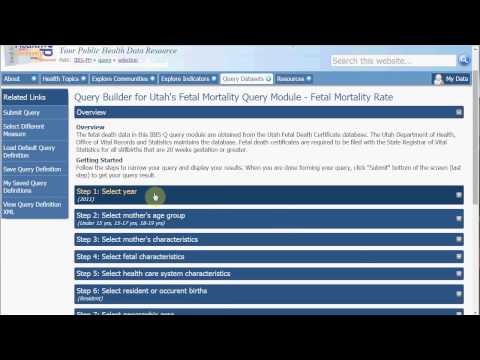
Saved Query - Setup System Queries
14:35
Ibisph Cop
Saved Query - Apply Criteria
19:50

Ibisph Cop
Saved System Query Setup
13:27

Ibisph Cop
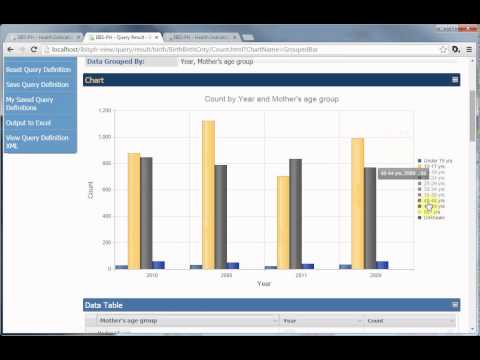
Kendo Grid Chart #3 - Missing Values
6:20
Ibisph Cop
Kendo Grid Chart #2 - Series or Grouped Data
11:36
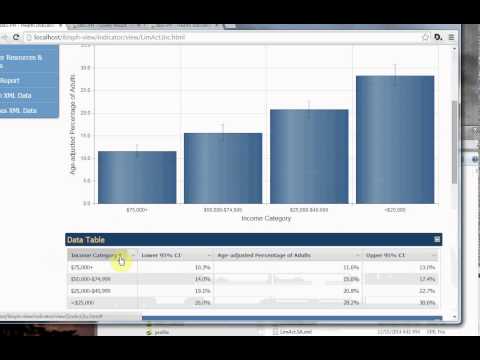
Ibisph Cop
Kendo Grid Chart #1 - Intro
10:40

Ibisph Cop
IBIS-PH 101 - Introduction
7:06

Ibisph Cop
New Mexico Indicator-based Information System Overview
7:32

Ibisph Cop
security UI vs actual
7:28
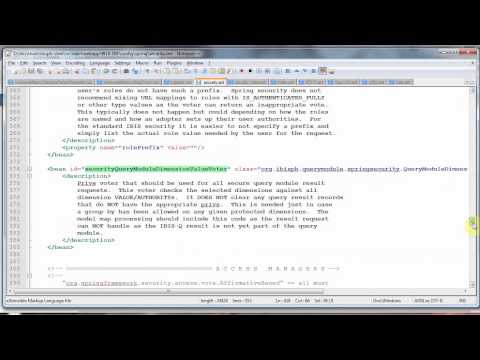
Ibisph Cop
security row level earlier version
10:36

Ibisph Cop
security spring beans connect dots
7:22
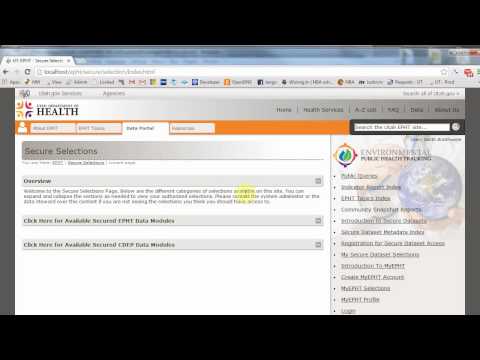
Ibisph Cop
security local testing setup using self registered XML
5:09

Ibisph Cop
security row level setup
9:44

Ibisph Cop
logging logback basics
4:21
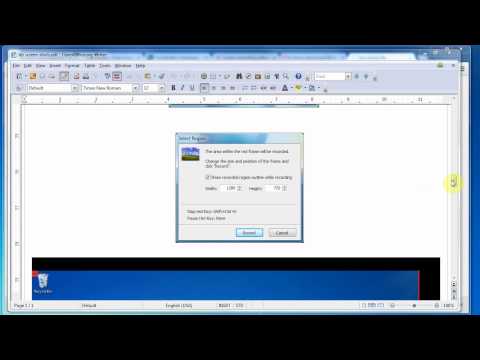
Ibisph Cop
How To Create Training Video
8:34
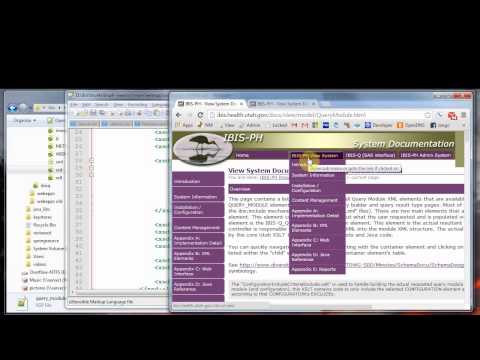
Ibisph Cop
xsd and query module xml structure intro
5:39
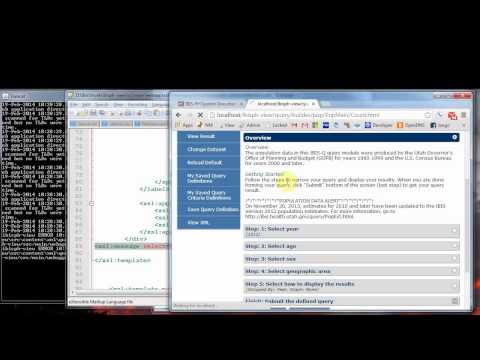
Ibisph Cop
xslt poor mans debugging
4:59
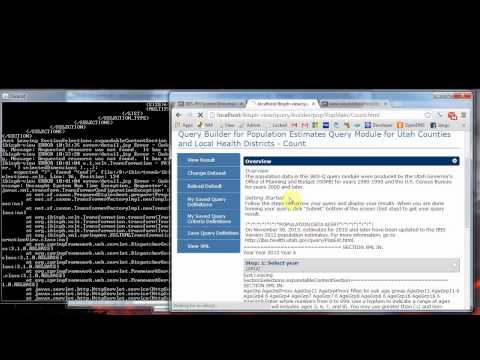
Ibisph Cop
xslt poor mans debugging 2
5:40

Ibisph Cop
security core secure query example
8:22
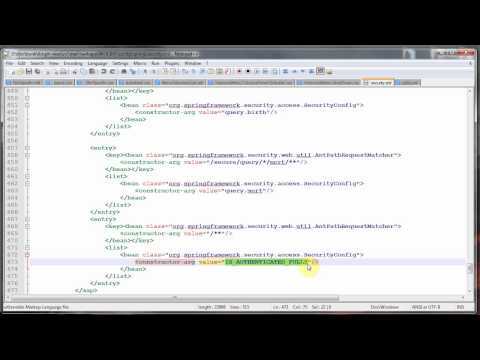
Ibisph Cop
security metadata source
9:45

Ibisph Cop
security role voter prefix
3:45
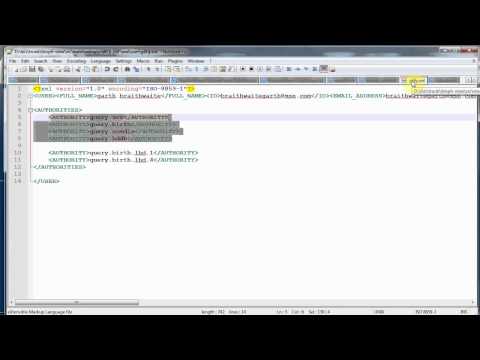
Ibisph Cop
security decision managers and voters
13:50
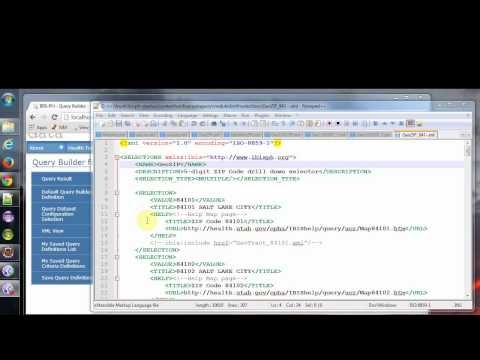
Ibisph Cop
security row level setup 4
4:43
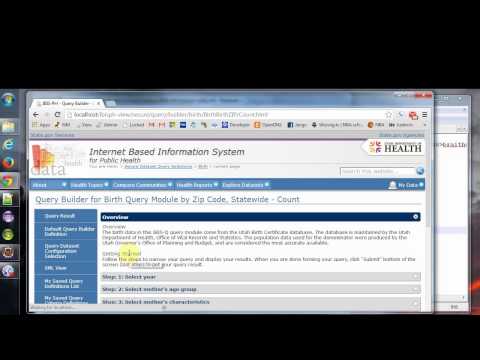
Ibisph Cop
security row level setup 1
6:15

Ibisph Cop
security row level setup 2
11:39

Ibisph Cop
security row level setup 3
7:15