
DIY D365 by Prashant
Power Pipelines Explained (Step by step)
14:37

DIY D365 by Prashant
Bonus Tip: Export and Import Canvas Apps
2:06

DIY D365 by Prashant
LAB 4: Canvas App In an Hour (6 Tasks)
12:28

DIY D365 by Prashant
LAB 3: Canvas App In an Hour (6 Tasks)
19:41

DIY D365 by Prashant
LAB 2: Canvas App In an Hour (4 Tasks)
10:26

DIY D365 by Prashant
LAB 1: Canvas App In an Hour (6 Tasks)
7:06

DIY D365 by Prashant
Understanding the layout of a Canvas App
5:55

DIY D365 by Prashant
Scenario and Solution - Canvas App In an Hour
1:07

DIY D365 by Prashant
Prerequisites for Canvas App In an Hour
5:47

DIY D365 by Prashant
Objectives of Canvas App In an Hour
0:44

DIY D365 by Prashant
Make your bots (PVA) aware of the Power Apps Portal Logged In User
12:09

DIY D365 by Prashant
Show/Hide Bots (Power Virtual Agents PVA) In Users Preferred Language on Power Apps Portals
12:24
DIY D365 by Prashant
Three ways of adding your chatbot (PVA) to Power Apps Portals
10:55
DIY D365 by Prashant
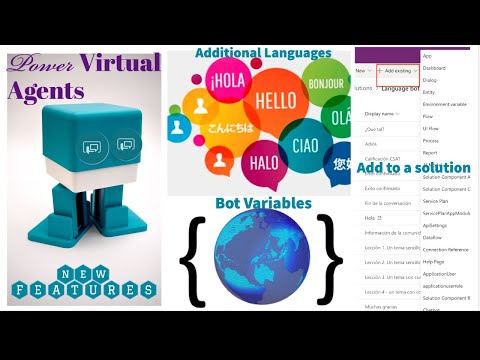
Power Virtual Agents-Bot Variables, Multi-Language and working in a Solution
13:42
DIY D365 by Prashant
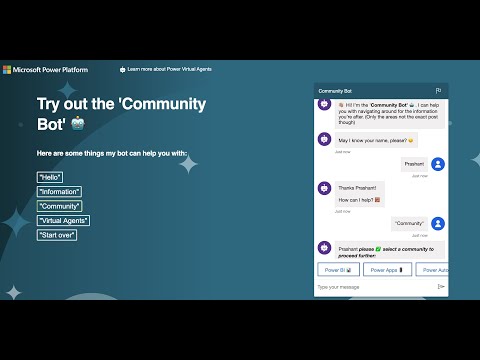
The Community Bot
0:40

DIY D365 by Prashant
Why use emojis in Power Virtual Agents?
12:30
DIY D365 by Prashant
Agent, Power Virtual Agent – Episode 7: Customer Identification Process In PVA
19:47
DIY D365 by Prashant
Agent, Power Virtual Agent- Episode 6: Configuring Channels (Custom Website and Microsoft Teams)
10:54

DIY D365 by Prashant
Agent, Power Virtual Agent - Episode 5: Step by Step Authentication
26:38

DIY D365 by Prashant
Duplicate Detection In Canvas Apps- Power Platform Community Learning Day (1st May 2020)
48:56

DIY D365 by Prashant
Agent, Power Virtual Agent - Episode 4: Variables and Power Automate
25:37

DIY D365 by Prashant
Agent, Power Virtual Agent - Episode 3: Understanding Entities (PVA)
19:06

DIY D365 by Prashant
Introducing 'Power Stars Academy' by DIYD365
1:35
DIY D365 by Prashant
Agent, Power Virtual Agent - Episode 2: Understanding Topics (PVA)
31:18
DIY D365 by Prashant
Agent, Power Virtual Agent - Episode 1: Getting Started
12:29
DIY D365 by Prashant
Agent, Power Virtual Agent (New series coming soon)
0:28
DIY D365 by Prashant
Microsoft Dynamics 365 Wave 1 2020 Release | Customer Service
20:57

DIY D365 by Prashant
Microsoft Dynamics 365 Wave 1 2020 Release | Sales
34:31

DIY D365 by Prashant
Plot Multiple Map Points In Power Apps (Canvas Apps) with Dynamic Filters
20:09

DIY D365 by Prashant
Sharing My MVP Award with you! (Unboxing)
7:23
DIY D365 by Prashant
TGIF Episode 8: Top Reasons to Use Power Automate (Power Automate Vs Dynamics 365 Workflows)
19:49

DIY D365 by Prashant
Wish you all a Merry Christmas & a very Happy New Year!
0:14

DIY D365 by Prashant
TGIF Episode 7: Using Power Automate (Microsoft Flow) Mobile App To Build A Flow
20:21

DIY D365 by Prashant
TGIF Episode 6: UI Flows (RPA) in Power Automate (Both desktop & web app with business use cases)
28:51
DIY D365 by Prashant
TGIF Episode 5: Business Process Flows in Power Automate
29:37
DIY D365 by Prashant
TGIF Episode 4: Understanding ‘Scope’ in Flows (MS Flow/Power Automate)
14:44

DIY D365 by Prashant
How to use Timer Control in PowerApps (Power Apps)? (Quick Tip)
6:21

DIY D365 by Prashant
TGIF Episode 3: Most Common ODATA Filter Queries for MS Flow (Power Automate)
25:06

DIY D365 by Prashant
TGIF Episode 2: Building Your First Flow (Power Automate)
23:13
DIY D365 by Prashant
TGIF: Episode 1- Getting Started With Microsoft Flow (Power Automate)
13:31
DIY D365 by Prashant
Thank God it's Flow #TGIF Teaser (New series on Microsoft Flow)
2:14
DIY D365 by Prashant
Mocking up Genius Bar's Create Your Style App with PowerApps
6:06
DIY D365 by Prashant
Episode 8: Infusing AI in your PowerApps
34:56
DIY D365 by Prashant
PowerApps & MS Flow User Group App for Leaders, Hosts, Organisers
5:41
DIY D365 by Prashant
Episode 7: Inserting MS Flow as an Action in PowerApps
23:27

DIY D365 by Prashant
Managing D365 Security Roles via PowerApps (Dynamics 365 Model Driven)
11:39
DIY D365 by Prashant
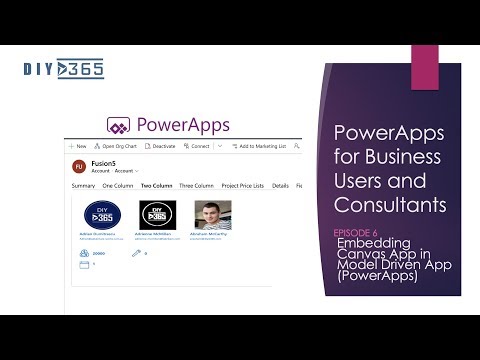
Episode 6: Embedding Canvas App in Model Driven App (PowerApps)
28:19
DIY D365 by Prashant
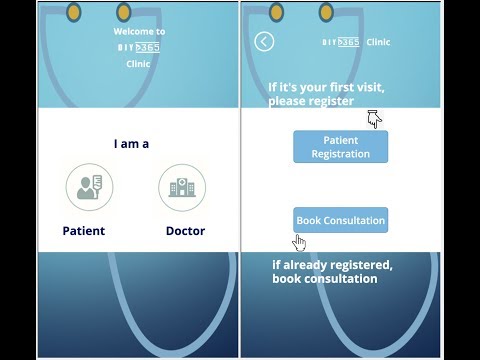
Patient Management App (Canvas and Model driven PowerApp)
15:10

DIY D365 by Prashant
Episode 5: Easy PowerApps Hacks To Make Your Users Life Easy
27:25

DIY D365 by Prashant
Episode 4: Building Your First PowerApp (App/Canvas App)
47:53
DIY D365 by Prashant
How to change the name of your PowerApps? (Renaming your app, Quick Tip)
2:29
DIY D365 by Prashant
How To Customise Microsoft Forms Pro Theme? (MS FormsPro Quick Tip)
7:01

DIY D365 by Prashant
Episode 3: Everyday PowerApps Formulas
36:22
DIY D365 by Prashant
Episode 2: Requirement Gathering to make a successful PowerApp (Tutorial)
18:37

DIY D365 by Prashant
How To Update An Opportunity & Send An Email From Opportunity Close, Using MS Flows? (No Code)
12:32

DIY D365 by Prashant
PowerApps for Business Users & Consultants: Episode 1-Essentials To Get You Started (Tutorial)
18:31

DIY D365 by Prashant
Visitor Sign In App (PowerApps)
1:03

DIY D365 by Prashant
Business Card Scanner (reader) in Dynamics 365
5:04

DIY D365 by Prashant
The Secrets of Dynamics 365 Wave 2 (preview)
19:48

DIY D365 by Prashant
How To Use The Invisible 'Embed Media' button on Knowledge Articles To Insert A YouTube Video
1:30

DIY D365 by Prashant
DIYD365 Introduction!
0:51

DIY D365 by Prashant
Send an announcement to Kaizala from Microsoft Flows
5:27
DIY D365 by Prashant
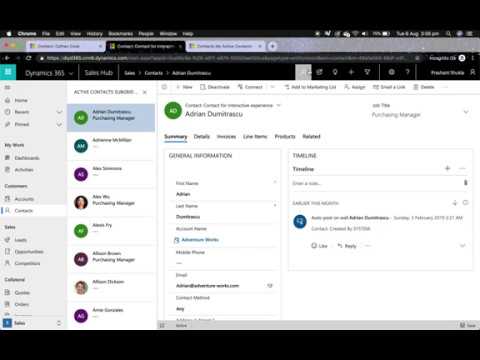
Navigate to next or previous record in Unified Interface (Dynamics 365 Quick Tip)
2:51
DIY D365 by Prashant
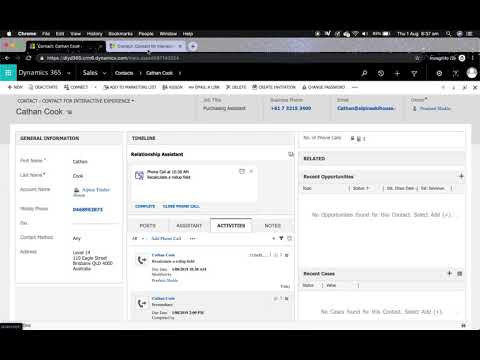
Recalculate a rollup field in Unified Interface (Dynamics 365 Quick Tip)
2:00