
Tech Spot 2.0
Knife Tool Text Tricks | Adobe Illustrator
0:50

Tech Spot 2.0
Apply lipstick to your photo in just one minute | Adobe Photoshop
0:52

Tech Spot 2.0
Create a Logo in Just 2 Minutes | Adobe Illustrator
0:57

Tech Spot 2.0
Design Like a Pro with 1 Easy Click | Hidden Adobe Illustrator Trick Exposed
0:38

Tech Spot 2.0
Explore Amazing Effect | Adobe Illustrator
1:00

Tech Spot 2.0
Blend Tool | Adobe Illustrator
0:55

Tech Spot 2.0
How to make any kind of print in just few clicks | Adobe Illustrator
0:06

Tech Spot 2.0
Warp Tool | Branch Effect on Text | Adobe Illustrator
0:55

Tech Spot 2.0
𝐀𝐮𝐭𝐨 𝐁𝐥𝐞𝐧𝐝 𝐋𝐚𝐲𝐞𝐫 | Adobe Photoshop
0:35

Tech Spot 2.0
3D Effect with Blend Option | Adobe Illustrator
0:55

Tech Spot 2.0
Custom Art Brush | Adobe Illustrator
0:57

Tech Spot 2.0
Sparking Alphabet Effect in Adobe Illustrator
0:27

Tech Spot 2.0
Knife Tool Text Tricks | Eye-Catching Text Effects | Adobe Illustrator
2:38

Tech Spot 2.0
2-Min How to Add Realistic Lipstick on Image | Adobe Photoshop
2:07

Tech Spot 2.0
Create Stunning Typography Effects | Adobe Photoshop
3:44
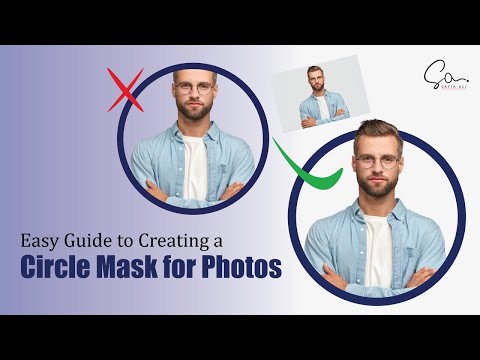
Tech Spot 2.0
Simple Steps to Mask a Photo into a Circle | Portrait Pop Out Effect | Adobe Illustrator
2:06

Tech Spot 2.0
How to apply PATTERN DESIGN to a bottle | Adobe Photoshop
1:49

Tech Spot 2.0
How To Easily Remove Pimples & Blemishes in Adobe Photoshop
2:50

Tech Spot 2.0
How to Apply a Clipping Mask in Adobe Illustrator: Step-by-Step Tutorial | Graphic Designing
1:59